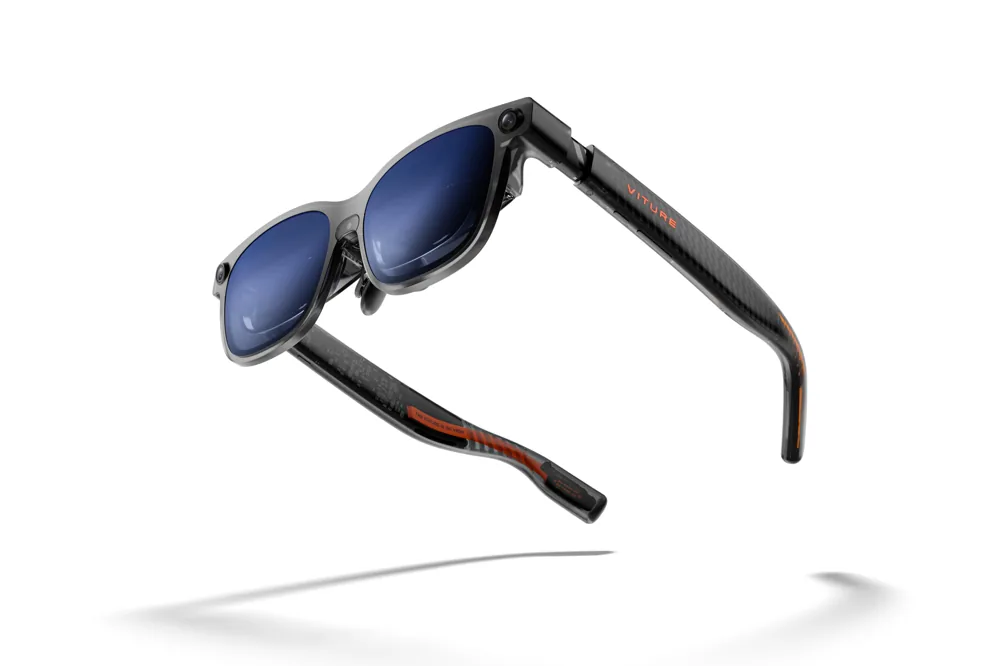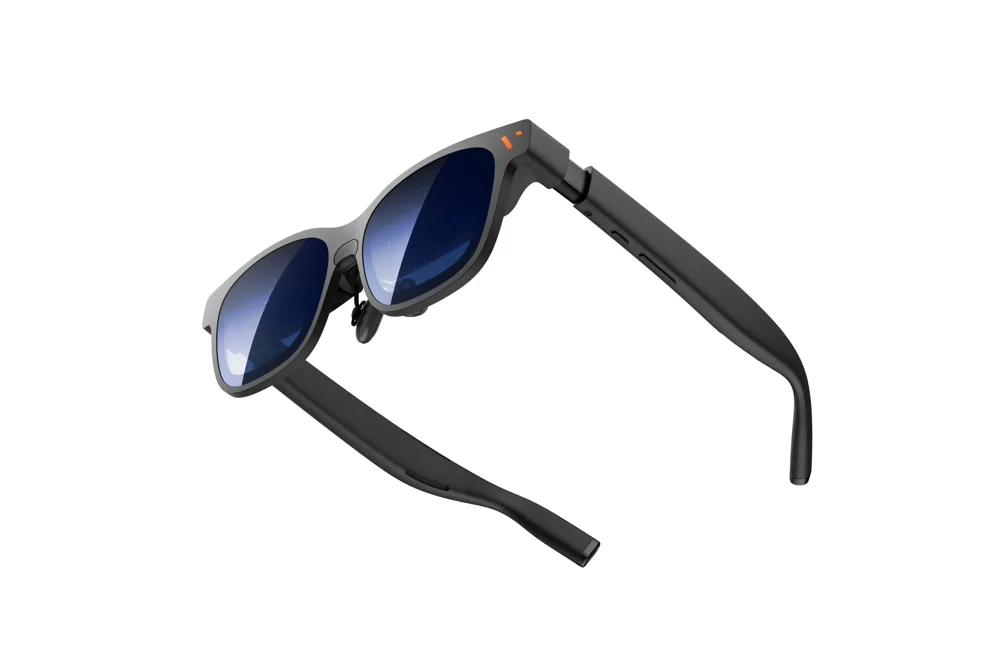
VITURE Luma Pro review roundup: the picture wins more praise than the whole kit.
Three original reviewers find a compelling wearable display. Their differences over audio, fit and software show where a buyer should spend the return window.
 SmartWearGuide · 2026-10-12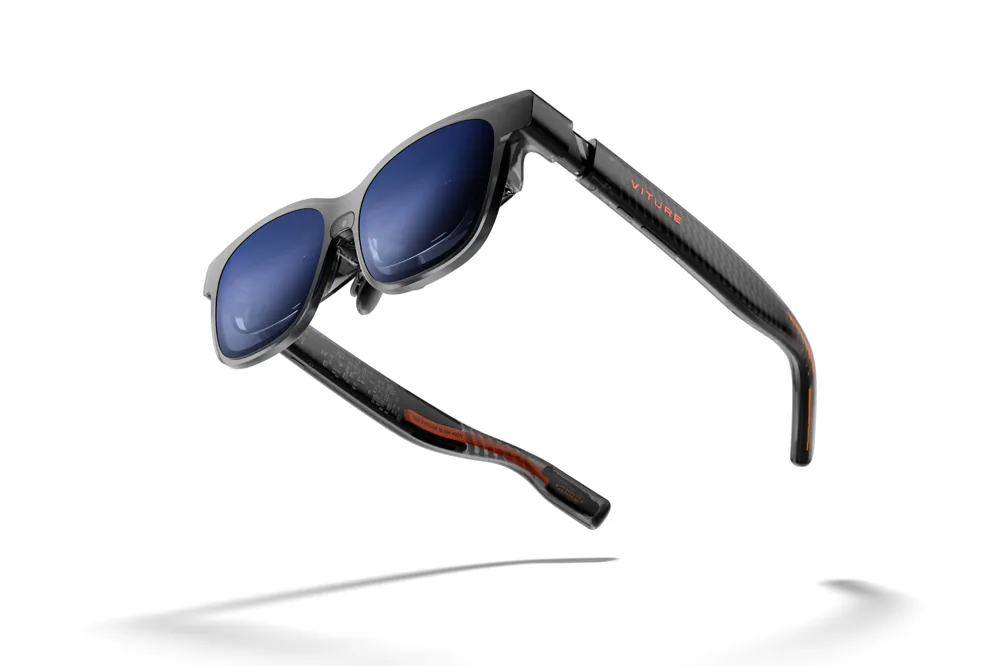
The screen is the centre of the appeal
Jason England's July 2025 Tom's Guide review praises the Luma Pro picture, edge detail and comfort after using the glasses for travel and work. He treats the change from earlier VITURE models as an improvement rather than an automatic reason for every existing owner to upgrade. His main reservations concern weak audio and software features that were still pending at the time.
That is a more useful starting point than the phrase 4K-like. The review explains why England enjoyed the display, but it does not change the panel's actual resolution. A buying decision should focus on whether the image makes your chosen material easier to view. We would test subtitles, a familiar game and a document, rather than only a bright promotional clip that flatters nearly any display.
Adjustment is a feature you have to use
Oliver Cragg's Android Authority review follows several weeks of use and recommends Luma Pro for its comfortable, adjustable design and vivid picture. He notes the different fit options and myopia dials, while warning about weak sound, the lack of hardware-based tracking in the tested configuration and the rising cost of accessories.
The controls create an opportunity to find a good fit; their presence is not proof that everyone will achieve one. In a store or trial, spend time finding the image before judging it. The complete view should be usable without continually pushing the frame back into place. Cragg's report is especially helpful because its recommendation still includes specific reservations. A good picture can coexist with a kit that is too complicated or expensive for a buyer's particular host device.
A third review brings a different pair of eyes
Damien Mason's Pocket Tactics review centres on Steam Deck OLED use and travel. He openly describes his own esotropia and lack of binocular depth perception, yet reports enjoying the display after adjustment. He also says he needed to bring the frame close to see the full image, and preferred headphones or a quiet room when background noise competed with the built-in speakers.
That personal context makes the review useful precisely because it is specific. It does not establish that the glasses suit everyone with a vision condition, nor does it provide medical guidance. It shows how an original account can explain why a positive verdict required some effort. When reviewers disagree about fit, the right response is not to average their faces. It is to identify the adjustment and prescription questions your own trial must answer.
Damien Mason: VITURE Luma Pro with Steam Deck, Pocket Tactics ↗
The disagreement over sound is about the room
England and Cragg are both dissatisfied with the built-in audio. Mason finds it useful in a quiet setting but inadequate against traffic or surrounding chatter. Those reactions can all be true: the listening environment and the alternative each reviewer expects matter.
Our recommendation is to test both a private quiet session and the setting where you will actually use the glasses. If you plan to watch films on a train, include the earbuds you are willing to carry. If you want a single-piece setup at home, listen to dialogue through the glasses alone. Evaluate whether that arrangement is satisfying before adding a speaker-brand logo to the list of reasons to buy. The relevant purchase is the whole listening experience, including what the person beside you hears.
Jason England: VITURE Luma Pro review, Tom's Guide ↗ · Oliver Cragg: VITURE Luma Pro review, Android Authority ↗ · Damien Mason: VITURE Luma Pro with Steam Deck, Pocket Tactics ↗
A 2025 missing feature needs a 2026 recheck
All three reviews discuss software or tracking functions that were incomplete during their tests. VITURE's current manual now lists Luma Pro 3DoF through SpaceWalker. It describes Luma Ultra 6DoF on desktop and with the Pro Neckband, while excluding 6DoF on its iOS and Android apps. Those are documented capabilities and platform limits, not our independent performance test.
This is particularly important when similar product names hide different tracking arrangements. A feature supported by Luma Ultra should not automatically be assigned to Luma Pro. Nor should a vivid description of picture quality be treated as proof of a specific HDR pipeline. The reviews use some display terminology differently. Our approach is to preserve the firsthand impressions while checking technical capabilities against current documentation. The best follow-up review would identify firmware and app versions, then retest the specific launch limitation.
VITURE: Luma series technical comparison ↗ · Oliver Cragg: VITURE Luma Pro review, Android Authority ↗
Buy the core experience before the ecosystem
Luma Pro looks most persuasive when the required task is straightforward: connect a compatible device and enjoy a private larger image. Its value becomes harder to assess when the shopping list expands into docks, software workspaces and additional wearables.
Write down the base price and each accessory that your use requires. Then compare that total with alternatives using the same task, not every theoretical feature. During a trial, check charging while viewing, cable placement, fit after an hour and your own audio arrangement. Three positive reviews justify attention to this model. Their reservations define where to spend that attention. A display that looks excellent for a few minutes should also be easy to use, carry and pay for in the routine that motivated the purchase.
SmartWearGuide analysis
About this article
Original synthesis checked October 12, 2026, using three named 2025 reviews from Tom's Guide, Android Authority and Pocket Tactics, plus current VITURE documentation. Launch limitations are dated, and current documented capabilities are identified separately. SmartWearGuide has not tested these glasses.