Smart glasses with iPhone: check the model, app and exact adapter
USB-C does not guarantee video output, and camera glasses use a different route from a portable display. Build the complete setup before buying.
 SmartWearGuide · 2026-10-12
An iPhone label needs the exact model beside it. Apple's September 2026 support list permits USB-C external displays on iPhone 15, iPhone 16 except 16e, iPhone 17 except 17e, and iPhone 18 Pro models. VITURE additionally explicitly excludes iPhone Air. A USB-C socket is therefore insufficient evidence. Apple describes normal mirroring, with different behaviour for apps that provide a second-screen experience.[1] [2]
Camera glasses take a different route. Josephine Watson tested Ray-Ban Meta Gen 2 for a month with an iPhone 15 Pro and found useful travel capture, despite awkward framing without a preview. Her paired-phone experience does not depend on turning the glasses into a wired external display. Ask which phone app and locally available services support the function you want, rather than treating every smart-glasses connection alike.[3]
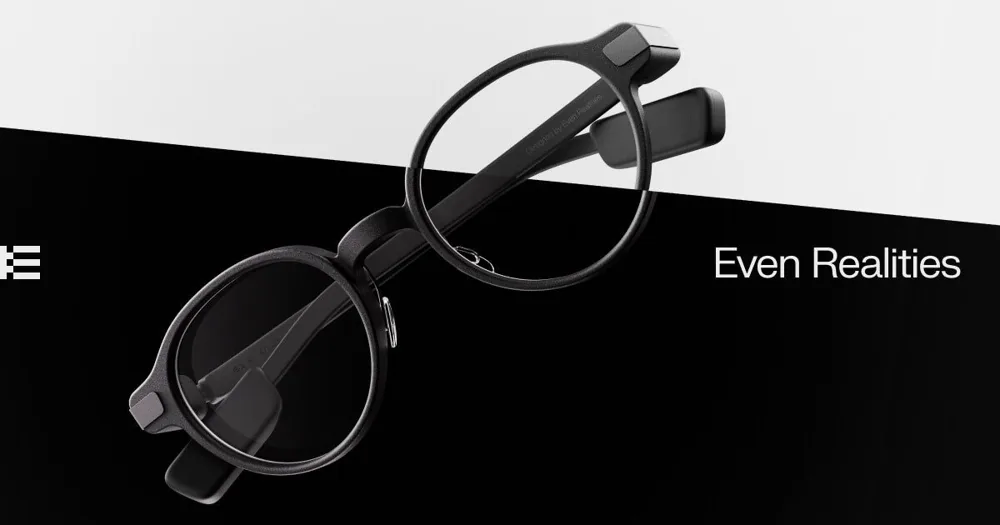
Visual prompts have their own limits. Alastair Jennings liked navigation and transcription on Even G1, but frequently needed to start features on the phone. Even's support confirms that G1 has no camera. This can suit someone who wants readable guidance without wearing a scene-recording device, while a promise of visual recognition would be misplaced. His 2025 experience should remain attached to G1.[4] [5]
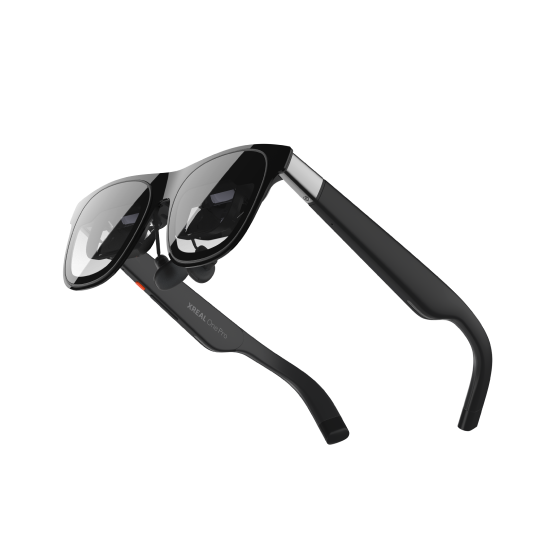
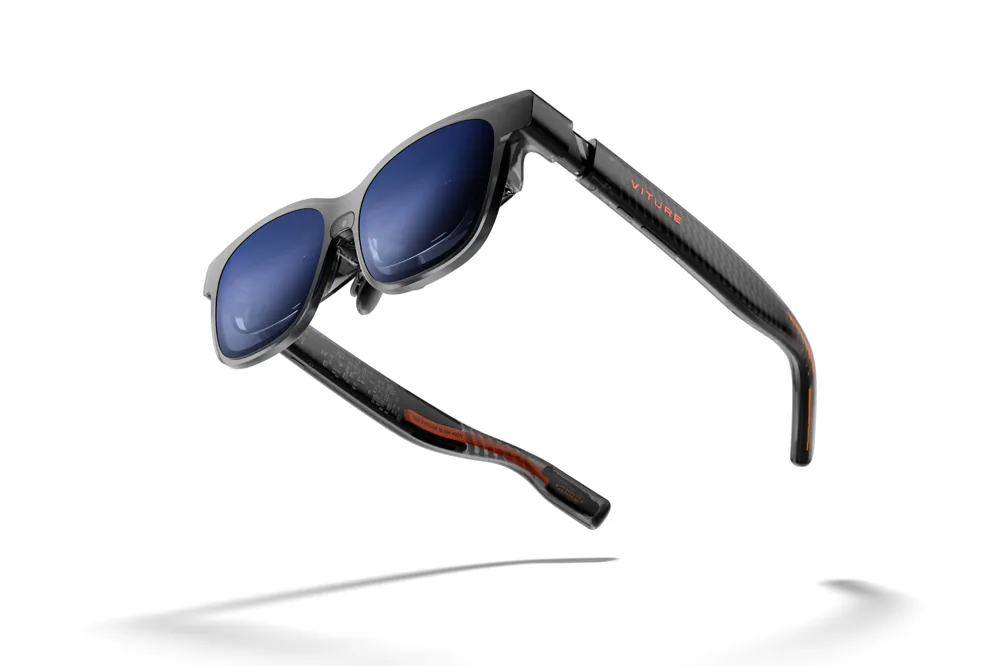
For portable video, check the accessory's full name. VITURE's Adapter Ultra documentation distinguishes charging and mirroring from advanced app integration, and restricts some communication-dependent functions on non-iPhone hosts. It is not interchangeable with every older charging adapter. Confirm the exact glasses, adapter and SpaceWalker feature before ordering a bundle, including whether the intended refresh rate and resolution survive the complete connection.[2]
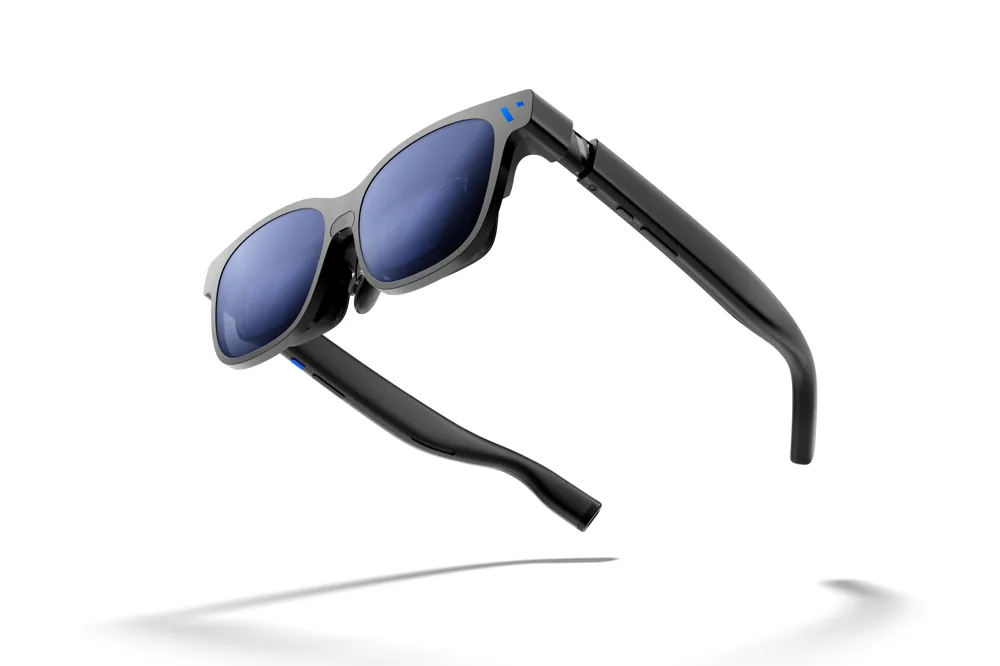
Fit remains independent of phone support. Brady Snyder's Beast review praised straightforward connections with his tested phones and computers, but found small text blurry on a MacBook Pro. That is a laptop observation, not an iPhone test or a universal defect. It still gives an iPhone buyer a sensible fitting task: inspect small interface labels and subtitles rather than only a colourful video.[6]
Before paying, list the phone, glasses, cable, adapter, app and prescription cost together. Test charging while viewing and the specific service or function you expect to use. A supported connection establishes a possible route; your own setup has to establish its usefulness.
Sources
- Apple: charging and external displays through iPhone USB-C ↗
- VITURE: USB-C XR Charging Adapter Ultra ↗
- Josephine Watson / TechRadar: Ray-Ban Meta Gen 2 month-long Rome test ↗
- Alastair Jennings / TechRadar: Even G1 review ↗
- Even Realities: G1 general FAQs ↗
- Brady Snyder / Android Authority: VITURE Beast review ↗