Camera, information or portable display: choose smart glasses by the job
A travel camera, a discreet prompt and a wearable monitor solve different problems. Original testers show where the categories overlap.
 SmartWearGuide · 2026-10-12
Camera glasses answer a different question from display glasses: what can you capture without reaching for your phone? Josephine Watson used Ray-Ban Meta Gen 2 for a month, including a Rome trip with an iPhone 15 Pro. The first-person photographs were useful, but composing them without a viewfinder was difficult. Her nighttime results were weaker, and the camera position could catch her hair.[1]
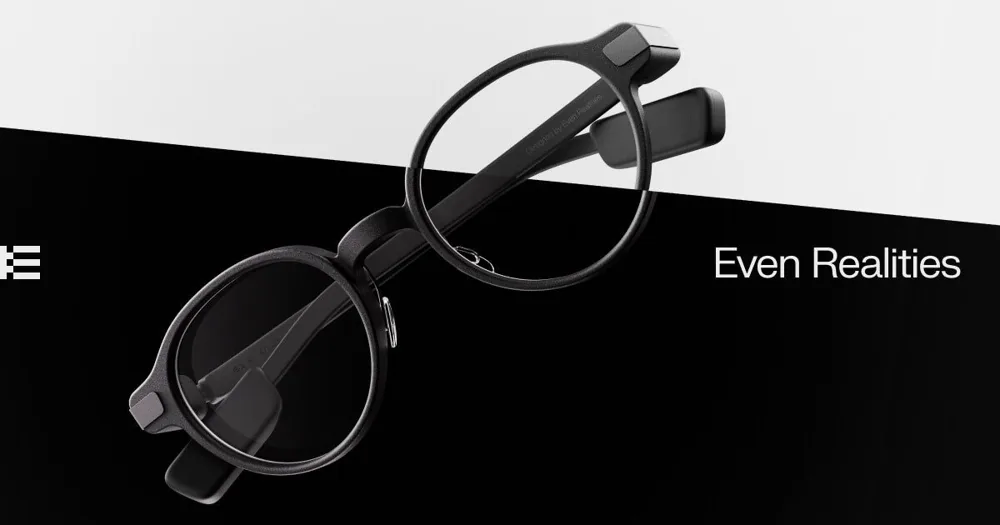
Information glasses put short visual prompts within your sight rather than creating a cinema screen. Alastair Jennings found Even G1's navigation and transcription useful in his May 2025 TechRadar test, although launching functions from the phone and imperfect touch controls interrupted the experience. Even's current G1 support confirms there is no camera: its assistant cannot inspect an object simply because you look at it.[2] [3]
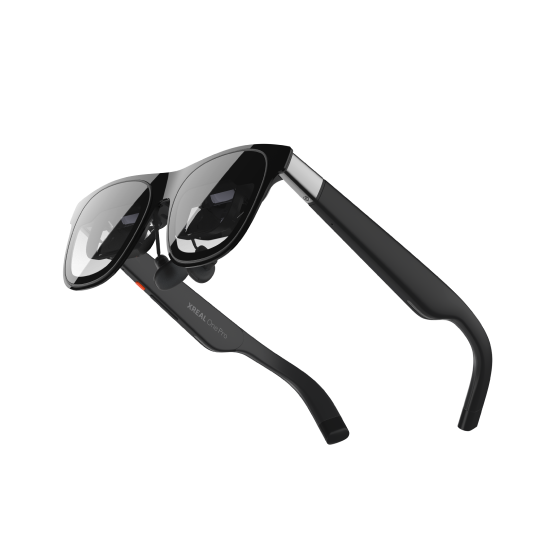
Portable-display glasses are closer to a wearable monitor. Hamish Hector spent several weeks using XREAL One Pro with a computer, Galaxy Z Fold 6 and Beam Pro, praising the picture and sound while noting the complete accessory cost. XREAL's manual describes screen-positioning controls on the glasses. That is a different workflow from asking a camera assistant about the scene around you.[4] [5]
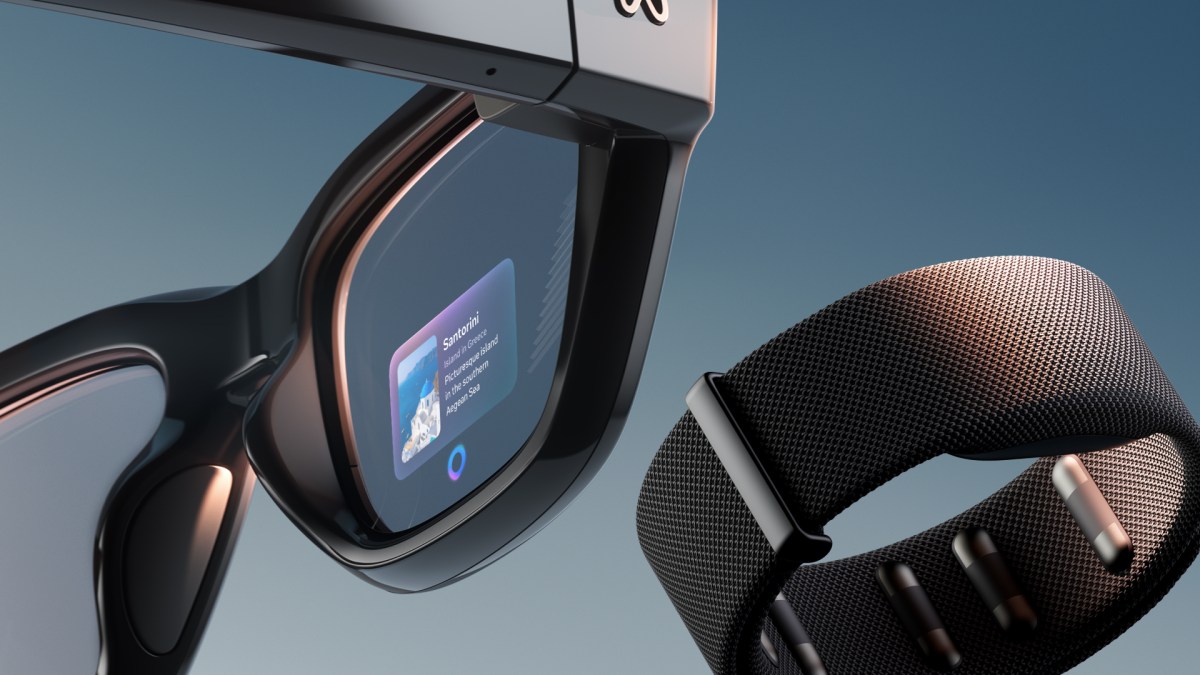
The boundaries overlap. After a year with Meta Ray-Ban Display, Nicholas Sutrich liked messages, directions and the camera viewfinder, but found the frames heavy and some monocular video tiring. This combines capture and visual information; having a display does not make it equivalent to a full laptop monitor. His September 2026 account also predates the next round of announced software features.[6]
Start with the action you would repeat: record a moment, read a prompt or use a larger private screen. Then test the exact model's fit, prescription arrangement, required phone and power connection. Try the task for long enough to expose its inconvenience, including checking the full display edges. A good camera, a readable prompt and comfortable sustained text are separate qualities. Choose the category around that repeated action before comparing brightness, AI labels or advertised screen sizes.
Sources
- Josephine Watson / TechRadar: Ray-Ban Meta Gen 2 month-long Rome test ↗
- Alastair Jennings / TechRadar: Even G1 review ↗
- Even Realities: G1 general FAQs ↗
- Hamish Hector / TechRadar: XREAL One Pro review ↗
- XREAL: One series quick guide ↗
- Nicholas Sutrich / Android Central: year-long Meta Ray-Ban Display review ↗