Can display glasses stay useful beside a bright train window?
Extra brightness helps, but blocking unwanted light and seeing the people around you can pull the design in different directions.
 SmartWearGuide · 2026-10-12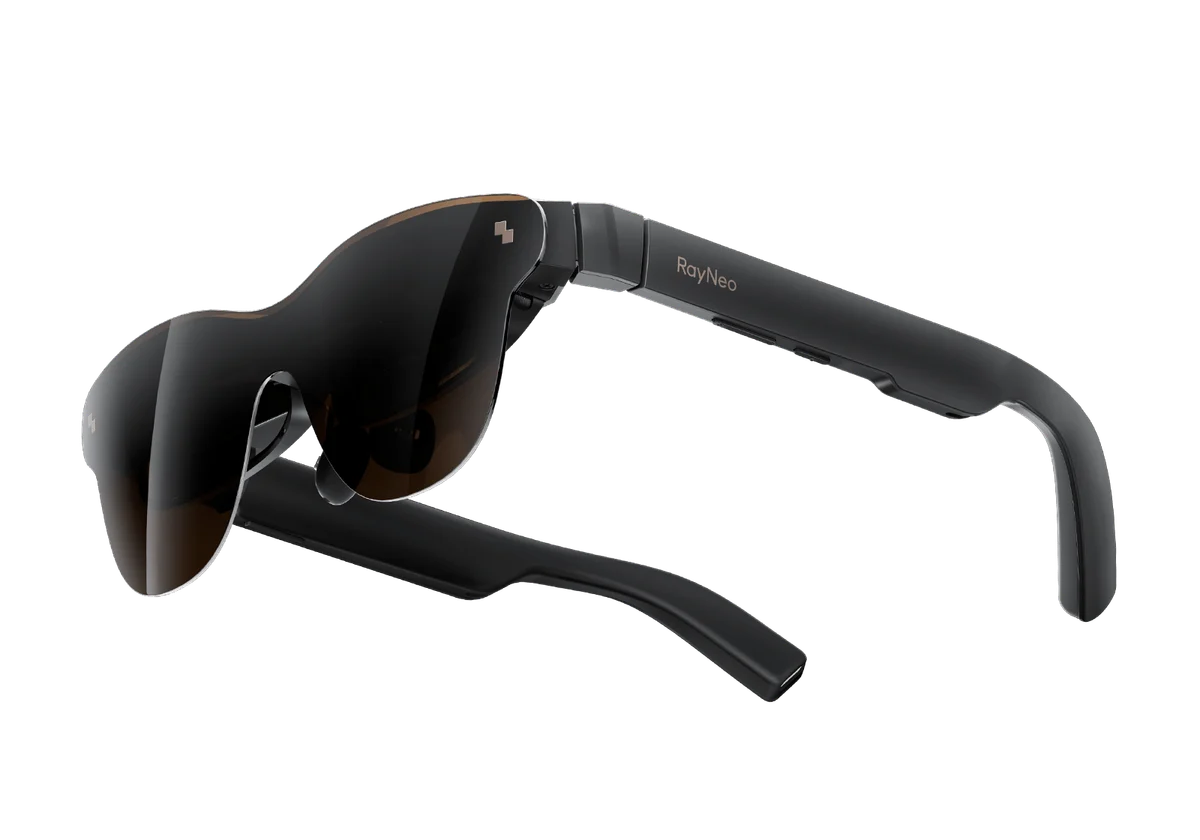
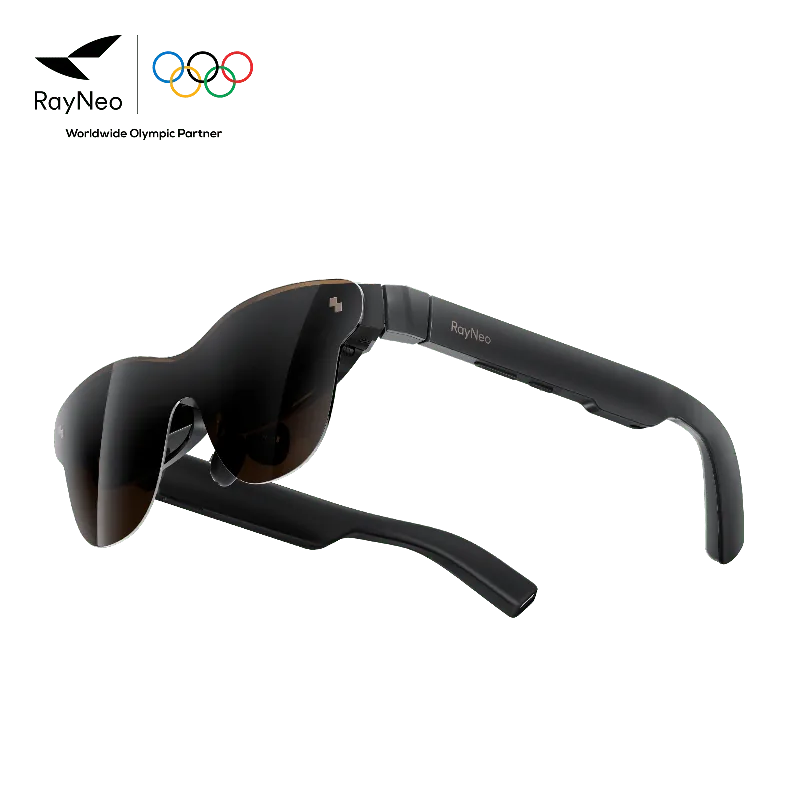
Harish Jonnalagadda compared RayNeo Air 3s and Air 3s Pro with a Steam Deck for Android Central in November 2025. After an hour on the standard model, he switched to the Pro and found roughly half brightness sufficient where he normally used about 80%. He preferred the Pro outdoors, although ambient light still leaked in. That is a useful within-review comparison, rather than a calibrated measurement or a promise about every seat beside a window.[1]
Alastair Jennings' January 2026 TechRadar test also found Air 3s Pro bright enough for outside viewing. Its isolation had a practical cost: the surrounding scene appeared shadowy, so he removed the glasses when somebody wanted to talk. He liked quick brightness and audio controls, but found laptop work less comfortable because the image moved with his head. A readable film on a journey and a comfortable outdoor office are different demands.[2]
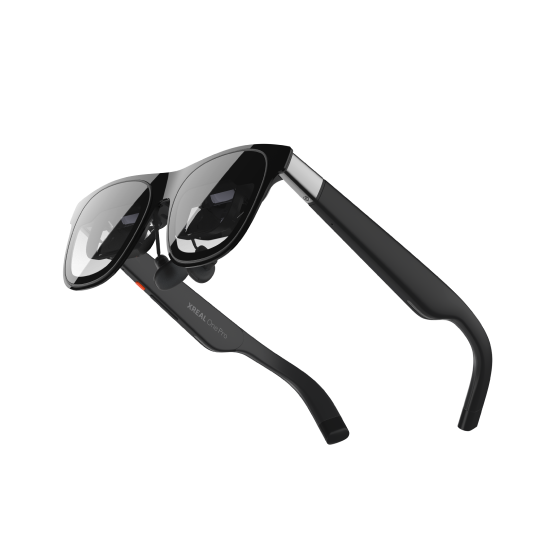
Brandon Hill's One Pro test offers another approach. XREAL's three-stage electrochromic lenses let him vary how much real-world light came through. Looking toward a sunlit window or a lit television caused little intrusion at the darker setting, helping him keep the image clear. This was his indoor viewing experience, not a side-by-side sunlight test against RayNeo. It shows why adjustable lens transmission deserves attention alongside display output.[3]
RayNeo currently calls Air 3s Pro's 1,200-nit figure to-eye brightness; XREAL calls One Pro's 700 nits perceived brightness. Both are manufacturer claims. Neither review above independently measured those values with a common instrument and method, so dividing the figures would produce a misleading performance ranking. Lens transmission, reflections and the scene behind the image also affect what reaches the viewer.[4] [5]
For a train or outdoor seated break, try the actual lighting position during the return period. Use a dark film scene, subtitles and the brightness level you would keep for an entire journey. Check whether you can briefly see your bag, phone and another person without fumbling through menus. If the clearest picture requires blocking your surroundings, reserve it for stationary viewing rather than treating it as guidance for moving through a busy place.
Sources
- Harish Jonnalagadda / Android Central: RayNeo Air 3s Pro hands-on comparison, November 11, 2025 ↗
- Alastair Jennings / TechRadar: RayNeo Air 3s Pro review, January 31, 2026 ↗
- Brandon Hill / Tom's Hardware: XREAL One Pro review, June 18, 2025 ↗
- RayNeo Air 3s Pro official US store ↗
- XREAL One series specifications ↗