Smart glasses on Android and PC: check the video signal before the socket
A phone can charge perfectly through USB-C and still fail to send an image. These tested setups show where the differences appear.
 SmartWearGuide · 2026-10-12
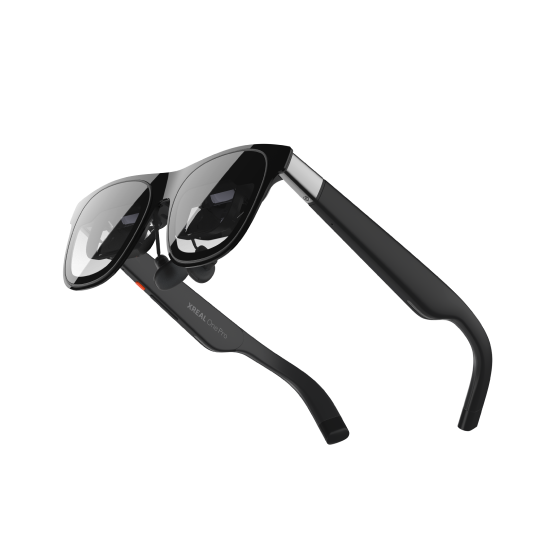
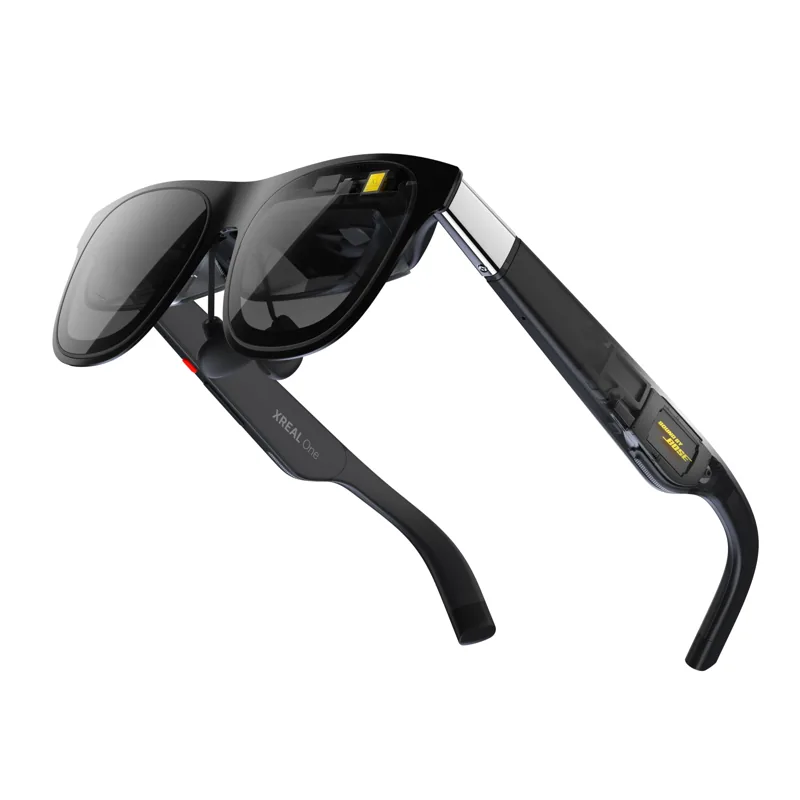
XREAL One-series glasses require a host with DisplayPort video output and a 5V/1A power supply. The manufacturer lists direct connections for suitable USB-C phones, laptops and handhelds; HDMI needs a compatible converter. A phone's charging specification does not establish its video output. Check the exact handset or laptop port before choosing the glasses, then check the particular display mode you want.[1]
Brandon Hill's June 2025 Tom's Hardware test used One Pro with an iPhone 16 Pro, a 14-inch MacBook Pro and a Lenovo Legion Go S. He reported easy connections and enjoyed extended viewing on each. The handheld is particularly useful evidence for a Windows buyer: a specific working USB-C setup, rather than an assumption about every Windows machine. XREAL's onboard screen settings also meant that a compatible connection could provide spatial display modes without installing a phone application.[2] [1]
Vineet Washington at Notebookcheck likewise described straightforward laptop and Steam Deck use, with Samsung DeX providing a desktop interface on supporting phones. Ordinary phone mirroring and DeX are different experiences. A successful Android connection does not automatically create a desktop, nor does a wide-screen mode guarantee that every application behaves well inside it.[3] [1]
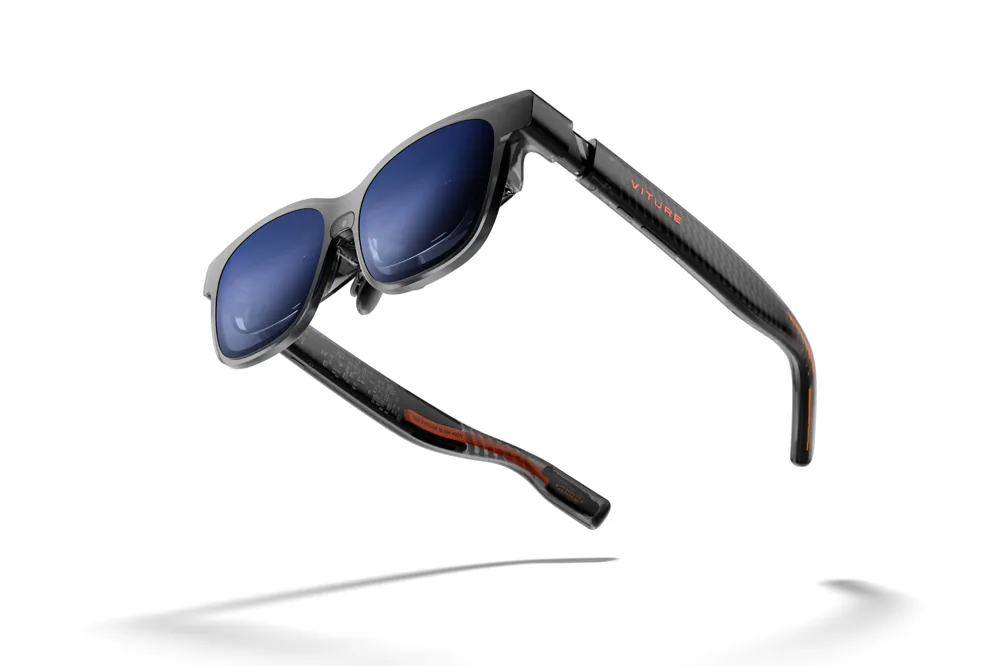
Oliver Cragg's July 2025 Android Authority Luma Pro test exposed a more specific failure. His Pixel 8 Pro could not provide the resolution needed for VITURE's 3D mode; an older Galaxy worked after he disabled DeX. DeX otherwise suited productivity. He also played on a Steam Deck and used VITURE's extra dock for Switch compatibility. Those observations distinguish normal video output, a desktop interface and stereoscopic 3D. They are separate checks, even when the cable fits.[4]
VITURE's current manual asks buyers to look for DisplayPort over USB-C, DP Alt Mode or Thunderbolt support, and documents SpaceWalker separately. Before ordering, write down the host model, port, glasses, cable, powered adapter and intended app. Try a video, your actual work window and charging during use. Keep the return window available for the whole setup: proving that a phone sends an image is only the first part of making these glasses useful.[5]