A smartwatch can pair with your phone and still lose the feature you bought it for.
Check replies, health apps and voice features separately. A Bluetooth connection proves surprisingly little.
 SmartWearGuide · 2026-10-12
Apple’s compatibility table and Samsung’s Health Monitor instructions show two different restrictions. Series 11 needs an iPhone 11 or later with iOS 26 or later; Series 12 raises the software requirement to iOS 27. Samsung Health Monitor needs a supported Galaxy phone running Android 12 or later. A Galaxy Watch can therefore be a different proposition with another brand’s Android phone when ECG access is part of the purchase. Pairing support and support for a particular health application belong on separate lines.[1] [2]
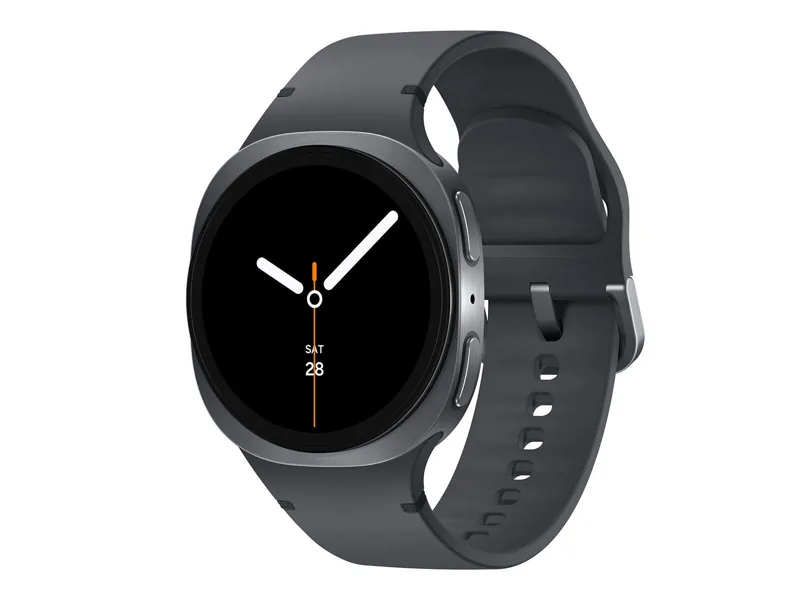
Tom Morgan-Freelander’s 2025 Stuff review of the Galaxy Watch8 makes the everyday software benefit more concrete. He liked notifications grouped into tiles, which let several WhatsApp alerts share one entry, and the compact arrangement of calendar, weather and music controls. Google Wallet and Google Home offered alternatives to Samsung’s services. Gemini could combine some requests and start a workout with a calorie goal, but he regarded it as an early implementation with room to improve. That account supports useful wrist shortcuts, rather than buying the watch for an assistant’s future promises.[3]
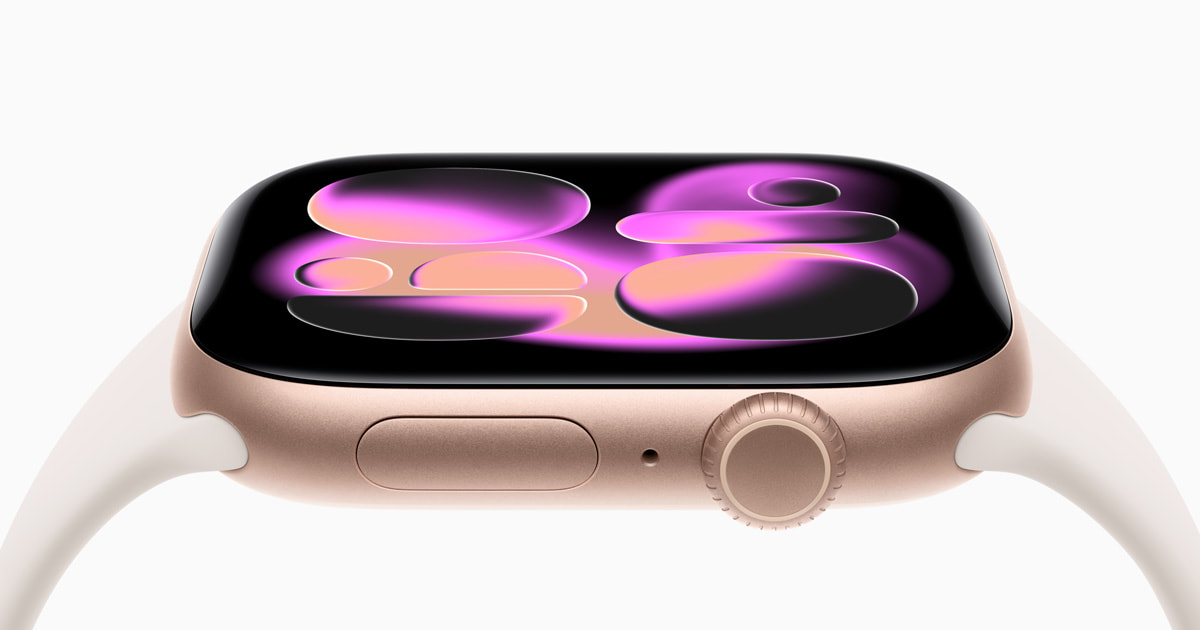
Adrienne So’s September 2025 WIRED test exposed a smaller Apple restriction: Workout Buddy required an Apple Intelligence-capable phone. The watch’s compatibility list alone would not reveal that. She found its early encouragement less useful than exercising with friends, while wrist-flick dismissal was a welcome convenience. The distinction matters because a supported older iPhone can run the watch while missing a promoted feature. Her verdict describes launch software, not a retest of every later update.[4]
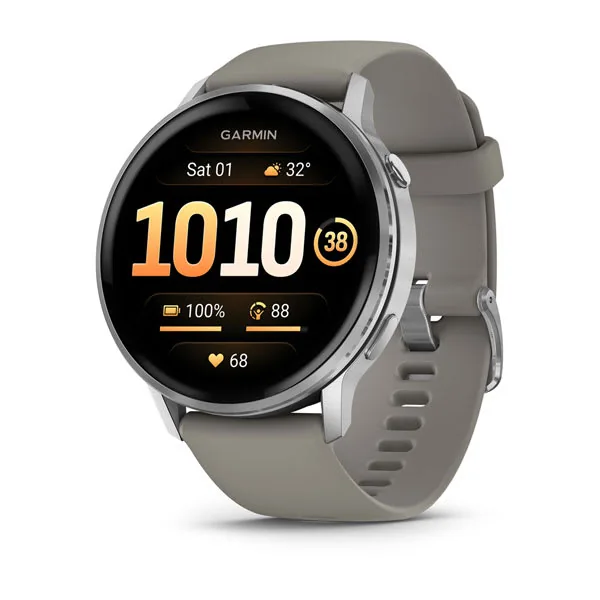
On Garmin, Derrek Lee’s November 2025 Android Central Venu 4 test found message handling more intuitive than on the Venu 3. A small keyboard worked, although it was not particularly pleasant. Calling through the watch was limited by a quiet speaker, and its own voice assistant sometimes opened the wrong function. He still preferred the smoother interface. Those are reasons to try a short reply and a call yourself, especially if that interaction is supposed to replace repeatedly reaching for a phone.[5]
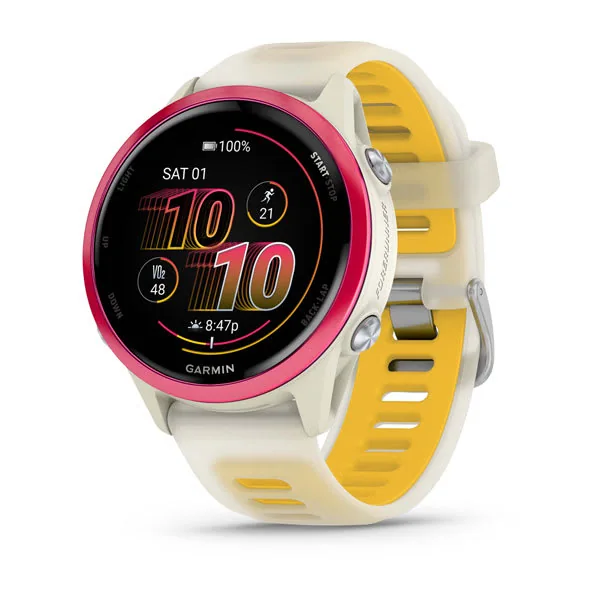
Garmin’s Forerunner 570 manual restricts preset replies to compatible Android phones. It should not be read as a promise that every Garmin supports the Venu 4’s keyboard or microphone. Garmin Connect’s current minimums are iOS 18 or Android 9, with native Google Play support required on Android. An app installed through a workaround is not documented compatibility. Check the watch model, phone operating system and specific reply method together.[6] [7]
Before keeping a watch, perform the exact interaction that justified buying it: reply through your usual messaging app, start the intended workout, make a call or open the required health feature. A demonstration with the retailer’s phone leaves the most consequential part of the purchase untested.
Sources
- Apple Watch and iPhone compatibility ↗
- Samsung Health Monitor compatibility and requirements ↗
- Tom Morgan-Freelander: Samsung Galaxy Watch8 review ↗
- Adrienne So: Apple Watch Series 11 review ↗
- Derrek Lee: Garmin Venu 4 review ↗
- Forerunner 570 manual: replying to a text message ↗
- Garmin Connect app compatibility requirements ↗